Web available now
In your browser
Open it on your computer, phone, or tablet. There is nothing to install.
- Free account with immediate access
- No card or broker connection needed to start
- 20 AI messages per day
 NexGen Trader
Your invitation to NexGen Trader
Your portfolio, your research, and your next question. An AI workspace to understand the market, on your iPhone and the web.
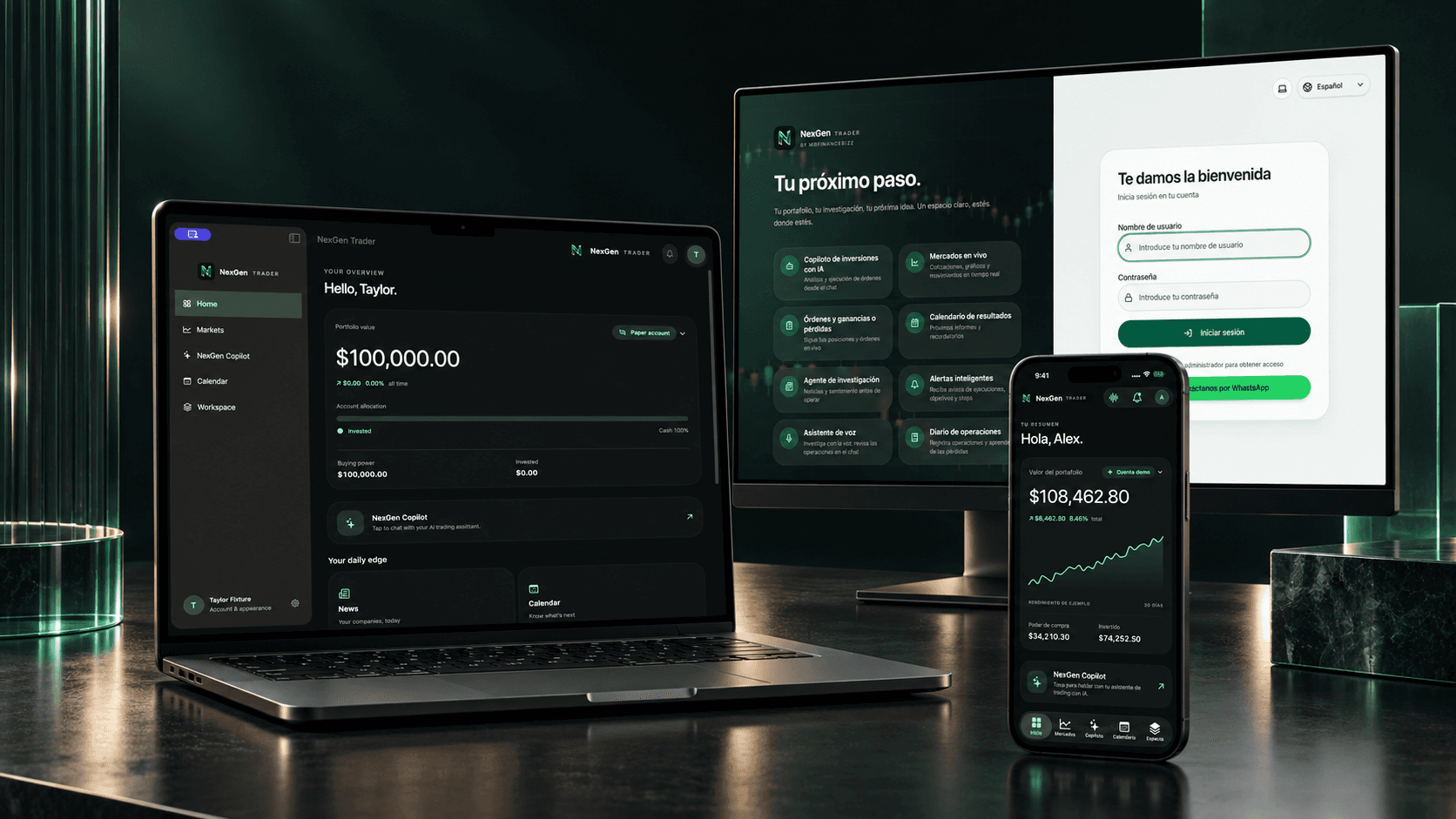
01 / MEET THE APP
A 30-second look at research, the calendar, and conversations with your copilot.
Find companies and bring news, charts, and upcoming events together in one place.
Use text or voice to explore an idea and understand what you are looking at.
Create your account and go straight in. No card or broker connection needed to get started.
02 / CHOOSE YOUR VERSION
Open the web app, sign in or create your Free account with 20 AI messages per day. The same account works in the iPhone beta when available.
Open it on your computer, phone, or tablet. There is nothing to install.
The native NexGen Trader experience, with installation and updates through TestFlight.
We are preparing TestFlight invitations. An iPhone download is not available from this page yet.
Start on the web03 / INSTALL AND SIGN IN
You can start on the web now. To use the iPhone beta when available, install TestFlight and follow this guide.
Download TestFlight from AppleYou also need your NexGen Trader invitation.
Download Apple’s free app. It installs and updates the NexGen Trader beta.
On your iPhone, open the link you received. Tap “View in TestFlight” if using email, then “Accept” and “Install”.
In TestFlight, open NexGen Trader and enable “Automatic Updates” under App Information. Keep TestFlight installed.
Sign in with the username and password you chose when creating your account. To explore the interface first, choose “Explore the demo” on the welcome screen.
WATCH THE SETUP GUIDE
A step-by-step walkthrough: create your account, use the web app, and prepare for the iPhone beta.
Spanish narration with English or Spanish captions. The video explains the iPhone steps for when a TestFlight invitation is available.
Download the video with Spanish captions ↗YOUR FIRST SESSION
Open Copilot and start with something specific. For example:
Help me research a company: what should I review before making a decision?
Check the sources and data. AI can make mistakes; you decide how to use the information.
Open the web app and sign in or choose Create a free account. Pick a username and password and add your email and phone number. You enter directly on the Free plan, with no card required. A TestFlight invitation is separate and lets you install the iPhone beta.
Yes. Sign in with the same account in both versions. You can also use the web app in Safari on your iPhone while waiting for your beta invitation.
On the web, changes arrive when you refresh the page. On iPhone, TestFlight can install new betas automatically when you enable that option. Apple processes builds and may review them before they become available.
This is a beta for invited testers and is not yet published in the App Store. Each TestFlight build lasts up to 90 days; when a new one becomes available, you can update through TestFlight.
No. Create your Free account and start researching and learning with Copilot. Connecting a broker is optional and can be set up later for features that need it. The iPhone demo also works without a broker and uses sample data.

Create your free account and go straight to Copilot. Already have an account? Sign in.
WhatsApp opens with a prepared message. You choose when to send it.